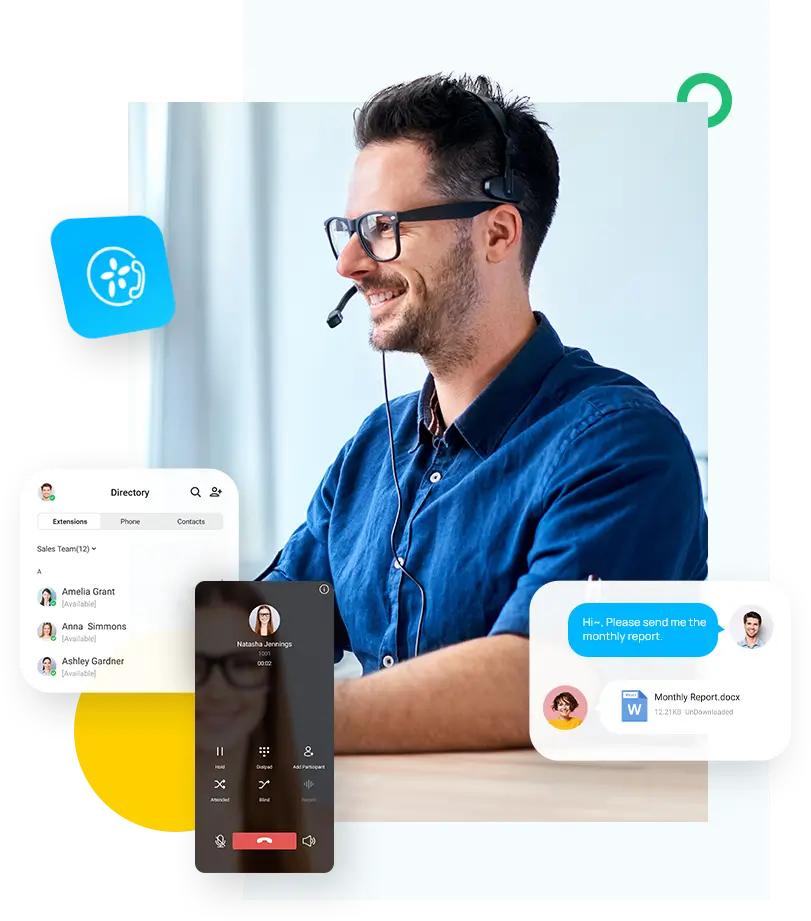
Microsoft Teams phone system integration
Microsoft Teams is a platform for unified communications that it provides to make it simpler for people who work for companies and organizations to collaborate and communicate in a variety of ways. Teams make it possible for team members to communicate intelligently from anywhere via chat, email, video meetings, file storage, and app integration.

Despite this, the traditional phone continues to be one of the most popular ways for coworkers to communicate. When a more in-depth discussion of a subject or a more intimate level of contact is necessary, phone conversations are still necessary.
Microsoft Teams offers a robust phone system integration that allows you to make and receive calls directly within the Teams platform. This integration is called “Direct Routing,” and it enables you to connect your Teams environment to a public switched telephone network (PSTN) through a certified Session Border Controller (SBC) device.
To set up the integration, you need to have an Office 365 or Microsoft 365 Enterprise subscription that includes Microsoft Teams and Phone System licenses. You’ll also need to choose a certified SBC from one of Microsoft’s approved vendors and work with a telecommunications provider to set up your phone service.
Once your phone system is set up, you can make and receive calls using the Teams desktop or mobile app. You’ll have access to all of the standard phone features, such as voicemail, call forwarding, and caller ID, as well as advanced features like call analytics and call recording.
The phone system integration in Teams is designed to be flexible and scalable, making it a great option for organizations of all sizes. It also offers a seamless experience for users, as they can make and receive calls without having to switch between different apps or devices.